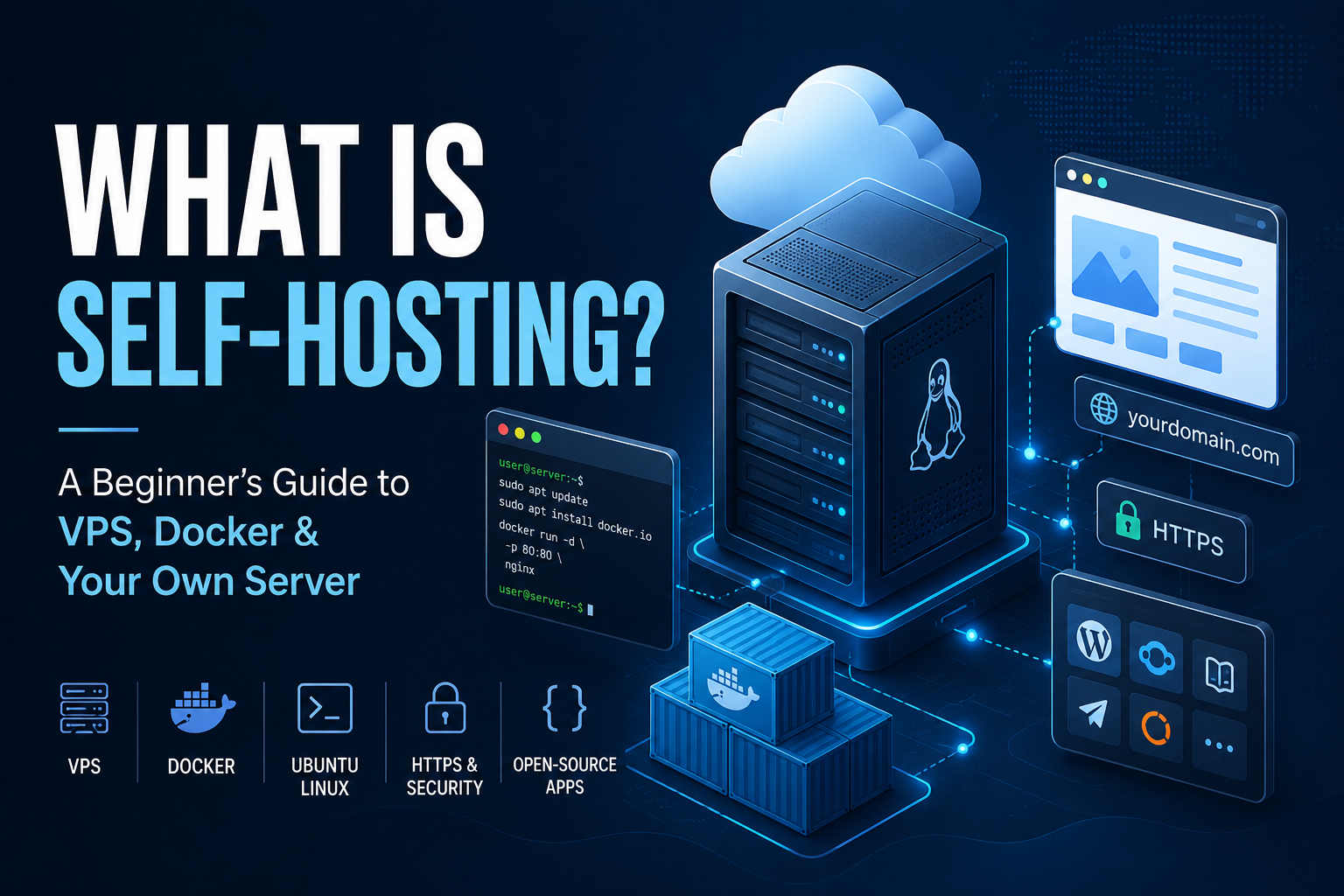
What is self hosting? In simple terms, it means running software on infrastructure you control instead of relying completely on a third-party company to run it for you. This guide explains the idea, the costs, the responsibilities, and a practical first-server setup.
If you are asking what is self hosting, the shortest answer is this: you run an application on a server that you administer. The physical machine can still belong to a VPS company, but you control the operating system, applications, domains, configuration, and much of the data. In return, you also take responsibility for updates, security, backups, monitoring, and troubleshooting.
What Is Self Hosting?
Self hosting is the practice of installing and operating software on infrastructure that you control. Instead of signing up for a hosted service and letting that provider manage the entire technical stack, you choose the server, install the software, configure it, and decide how it should run.
However, self hosting does not mean you must own a rack of computers in your house. Many beginners rent a virtual private server, or VPS, from a hosting provider. The provider owns the physical hardware, while you manage your virtual server.
For example, imagine that you need a web analytics platform. With a normal SaaS product, the vendor runs the application and database for you. With a self-hosted analytics tool, you deploy the software to your own VPS, connect a domain, secure the server, and maintain the installation yourself.
5 Self-Hosting Terms Beginners Should Know
Before launching anything, learn a few basic terms. As a result, most self-hosting tutorials will become much easier to understand.
| Term | What it means |
|---|---|
| VPS | A virtual private server: an internet-connected virtual machine that you can administer. |
| SSH | An encrypted method for connecting to a remote server from a terminal. |
| Docker | A platform for packaging and running applications in isolated containers. |
| Domain | A human-readable address that can point to your server or application. |
| Reverse proxy | Software that receives incoming web traffic and routes it to the correct service. |
Why Do People Self Host?
People choose self hosting for several reasons. Most importantly, it can provide more control over software, infrastructure, costs, and data. Still, the value depends on what you are running and how comfortable you are maintaining it.
1. More control
You can choose the server size, operating system, application version, domain structure, storage location, database, backup method, and deployment schedule. Therefore, you are less dependent on a vendor’s fixed configuration.
2. Potentially lower recurring costs
One VPS can sometimes run several lightweight services. Consequently, a single server may replace multiple subscriptions. This is not guaranteed to be cheaper, because your time and maintenance effort also have value.
3. Greater control over your data
With self-hosted software, application data can remain on infrastructure that you directly administer. In addition, you can often decide how long data is retained and where backups are stored.
4. More customization
Open-source applications can often be integrated with APIs, databases, internal tools, automation systems, and custom scripts. As a result, self hosting is attractive to developers, technical creators, and businesses that need workflows a normal SaaS product does not provide.
The Real Disadvantages of Self Hosting
Self hosting can be powerful, but it is not the best answer for every service. In particular, you become responsible for work that a managed provider normally handles.
Moreover, an outage may require you to inspect logs, restart containers, restore data, renew a certificate, or increase server resources. For a mission-critical service, that operational burden can make a managed product worth the extra cost.
What Do You Need to Start Self Hosting?
A beginner setup can be surprisingly small. For many web applications, you can start with a VPS, a supported Linux distribution, Docker, a domain name, and one application.
| Component | Purpose | Typical beginner approach |
|---|---|---|
| VPS | Always-online server | Start small and scale only when usage requires it |
| Ubuntu Linux | Server operating system | Use a currently supported LTS release |
| Docker | Application containers | Useful for repeatable deployments |
| Domain | Readable application address | Use a subdomain for each public app |
| Backups | Recovery after failure | Keep at least one copy away from the main server |
Need a VPS for your first self-hosted project?
Start with a small server and increase CPU, memory, or storage later when your applications actually need more resources.
View Hostinger VPS Plans →A Practical Self-Hosting Example: Launch a Simple Web Server
The easiest way to understand self hosting is to see the process from beginning to end. The example below uses a Linux VPS and Docker to launch a simple nginx web server.
Create a VPS
Choose a VPS from your preferred provider and select a currently supported Ubuntu LTS release. If SSH keys are available, use them instead of relying only on a password.
Connect with SSH
Your provider assigns the server an IP address. From a terminal, a basic connection looks like this:
ssh root@YOUR_SERVER_IPYOUR_SERVER_IP is an intentional example variable. Replace it with the IP address shown in your VPS account.
Update the server
Next, refresh the package information and install available updates:
sudo apt update
sudo apt upgrade -yConfigure basic firewall rules
Before enabling UFW, make sure SSH remains allowed. Then open the standard web ports only if this server will serve HTTP and HTTPS traffic.
sudo ufw allow OpenSSH
sudo ufw allow 80/tcp
sudo ufw allow 443/tcp
sudo ufw enableInstall Docker
Use Docker’s current official installation instructions for your Ubuntu release. After installation, confirm the command works:
docker --versionLaunch your first container
For a simple test, nginx gives you an immediate web page:
docker run -d \
  --name my-first-site \
  --restart unless-stopped \
  -p 80:80 \
  nginx:alpine
Afterward, open http://YOUR_SERVER_IP in a browser. If the nginx welcome page appears, you have successfully launched software on a server you control.
What about a domain and HTTPS?
An IP address is fine for a temporary test. However, a real public application should normally use a domain and HTTPS. For example, you might create addresses such as analytics.example.com, automation.example.com, or status.example.com.
A reverse proxy can route each hostname to the correct container. Common options include Caddy, Traefik, Nginx Proxy Manager, and nginx.
What Can You Self Host?
Once you understand Docker and basic server administration, you can run many types of applications. For example, popular self-hosting categories include automation, analytics, cloud storage, monitoring, databases, code hosting, dashboards, and AI utilities.
| Use case | Example software | Typical reason to self host |
|---|---|---|
| Automation | n8n | Custom workflows and infrastructure control |
| Monitoring | Uptime Kuma | Monitor websites and services from your own server |
| Analytics | Umami, Plausible | Control analytics deployment and data |
| Cloud storage | Nextcloud | Operate your own file platform |
| Password manager | Vaultwarden | Host a compatible password-management server |
| Databases | PostgreSQL, MySQL | Run databases alongside your applications |
If automation interests you, continue with the step-by-step guide to self-hosting n8n on a VPS. You can also learn the container fundamentals in the Docker tutorial for beginners.
Self Hosting vs SaaS: Which Is Better?
Neither option is automatically better. Instead, choose according to the importance of convenience, control, support, cost, and maintenance.
| Factor | Self hosted | SaaS |
|---|---|---|
| Setup | You configure it | Usually fast |
| Maintenance | Your responsibility | Vendor responsibility |
| Infrastructure control | High | Limited |
| Customization | Often extensive | Depends on vendor |
| Support | Community, documentation, or your team | Usually vendor support |
| Pricing | Mainly infrastructure and your time | Usually subscription-based |
Choose SaaS when…
- You want the fastest setup with minimal technical maintenance.
- You need vendor support or service guarantees.
- The subscription cost is reasonable for your usage.
- You do not want responsibility for server security and backups.
Consider self hosting when…
- You want deeper control over infrastructure and integrations.
- You plan to run several compatible services on one server.
- You want to learn Linux, Docker, networking, and deployment.
- You prefer to operate open-source software yourself.
- You need more control over how application data is stored.
Is Self Hosting Secure?
Self hosting can be secure, but security depends on how the server and applications are configured and maintained. Therefore, a better question is: how securely is this self-hosted system being operated?
- Use SSH keys and strong account security.
- Keep the operating system and applications updated.
- Enable a firewall and expose only necessary ports.
- Use HTTPS for public web applications.
- Protect secrets, tokens, and database credentials.
- Enable multi-factor authentication where available.
- Monitor disk space, memory, CPU, logs, and container health.
- Store important backups away from the main server.
- Test restoration instead of assuming a backup works.
How powerful should your VPS be?
Server requirements depend on the applications you run. For instance, basic Docker experiments may fit on a small VPS, while databases, AI models, video workloads, and busy websites can require much more memory, CPU, storage, or GPU capacity.
For that reason, check each application’s official requirements and watch actual resource usage. Avoid buying an oversized server before you know what your workload needs.
Can you self host at home?
Yes. You can use a desktop computer, mini PC, NAS, or another suitable device. On the other hand, home hosting adds responsibilities such as power reliability, router configuration, internet availability, dynamic IP addresses, physical hardware failures, and network isolation.
For a first public-facing project, a VPS is often simpler because the provider handles the physical machine, data-center network, and power.
5 Beginner Self-Hosting Mistakes to Avoid
- Installing too many applications immediately. Start with one service and learn how its data, updates, logs, and backups work.
- Waiting until a failure to think about backups. Instead, create a recovery plan before the application becomes important.
- Opening unnecessary ports. Expose only the services that must be reachable.
- Ignoring updates. Self hosting gives you control over maintenance, but it does not remove the need for maintenance.
- Moving critical systems too early. First, practice with something that can tolerate mistakes and downtime.
Where Should You Go Next?
Once the first nginx container makes sense, the next steps are straightforward. First, become comfortable with SSH and basic Linux commands. Next, learn Docker Compose, domains, HTTPS, reverse proxies, backups, and monitoring. Finally, move to more valuable applications only after you understand how to recover them.
Build your first self-hosted server
Start small, deploy one useful application, secure it, back it up, and expand only when you are comfortable maintaining it.
Explore Hostinger VPS Hosting → Read the n8n Self-Hosting Guide →Self-Hosting Frequently Asked Questions
What is self hosting in simple terms?
Self hosting means running an application on infrastructure you administer rather than relying completely on another company to operate the application and server for you.
Do I need to own a physical server?
No. A rented VPS is enough for many self-hosted applications. The provider manages the physical hardware, while you manage your virtual server and software.
Is self hosting cheaper?
Sometimes. Savings can become meaningful when one server replaces several subscriptions. However, you should also consider the value of your time, maintenance, backups, and troubleshooting.
Is self hosting difficult?
The basics are accessible to beginners, especially with Docker. Nevertheless, production systems require more care because security, updates, monitoring, backups, and recovery become your responsibility.
What should I self host first?
Choose something useful but non-critical, such as a test web page, monitoring tool, personal dashboard, or experimental application. That way, you can learn without putting an important business system at risk.
Do I need Docker for self hosting?
No. Applications can be installed in many ways. However, Docker is popular because containers make many deployments more repeatable and easier to isolate.
Can one VPS run multiple applications?
Yes. Containers can isolate multiple services on one machine. The practical limit depends on RAM, CPU, storage, traffic, and the requirements of each application.
Is self hosting worth learning in 2026?
It can be valuable for people who want stronger control over servers, applications, automation, APIs, open-source tools, and data. In addition, the same Linux and Docker skills transfer to many development and deployment workflows.
Affiliate disclosure: Some links on this page may be affiliate links. If you purchase through an affiliate link, I may earn a commission at no additional cost to you.