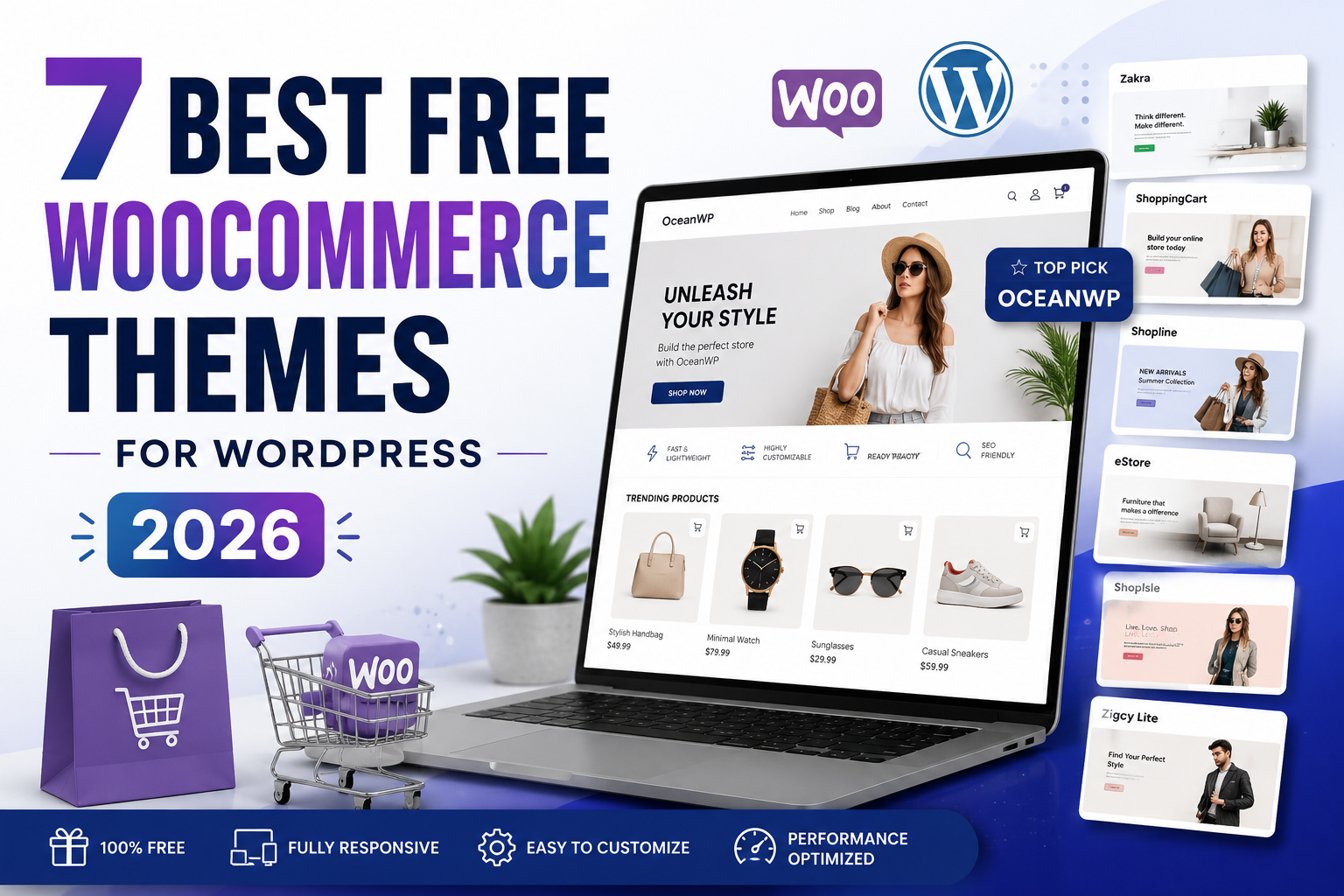
7 Best Free WooCommerce Themes for WordPress in 2026
Looking for the best free WooCommerce themes for your online store? I compared seven popular WordPress eCommerce themes, including OceanWP, Zakra, ShoppingCart, Shopline and eStore, to help you choose a fast, attractive and flexible theme without paying for an expensive design upfront.
Choosing the right WordPress theme can make a significant difference when building an online store. Your theme influences how your products are displayed, how easily visitors navigate your website, how your store appears on mobile devices, and potentially how quickly your pages load.
The good news is that you don’t necessarily need to purchase an expensive premium theme. Several of the best free WooCommerce themes provide enough functionality to launch a professional eCommerce website and upgrade later only if you need advanced features.
Zakra is another excellent choice if you want a lightweight multipurpose theme with starter sites.
You’ll Also Need WordPress Hosting
A WooCommerce theme controls your store’s appearance, but your hosting controls where the website actually runs. For a new WordPress website, Hostinger provides WordPress hosting plans that can be used to install WordPress and WooCommerce.
Check Hostinger → Compare SiteGroundBest Free WooCommerce Themes Compared
Before looking at each WordPress theme individually, here’s the short version of how I would categorize the seven options covered in this guide.
| Theme | Best For | WooCommerce | Customization | 2026 Recommendation |
|---|---|---|---|---|
| 1 OceanWP | Most online stores | Excellent | Excellent | Top Pick |
| 2 Zakra | Speed & starter websites | Very Good | Very Good | Highly Recommended |
| 3 ShoppingCart | Traditional storefronts | Very Good | Good | Recommended |
| 4 Shopline | Visual storefront layouts | Good | Good | Consider |
| 5 eStore | Classic WooCommerce stores | Good | Good | Consider |
| 6 ShopIsle | Legacy/minimal store designs | Legacy option | Limited | Check compatibility first |
| 7 Zigcy Lite | Legacy WooCommerce projects | Legacy option | Limited | Check compatibility first |
OceanWP
OceanWP is one of the strongest choices for building a WooCommerce store because eCommerce isn’t treated as an afterthought. The theme includes WooCommerce-oriented features and integrates with popular page-building tools.
According to its current WordPress.org listing, OceanWP has hundreds of thousands of active installations, making it considerably more widely used than many themes on this list.
Why OceanWP Stands Out
You can use OceanWP for considerably more than a standard blog. It works for business websites, portfolios, landing pages and full WooCommerce storefronts. This makes it especially attractive if you expect your store to expand over time.
It also works with popular page builders, which means users who prefer visual design tools don’t necessarily have to rely entirely on the default WordPress editor.
- Strong WooCommerce integration
- Large WordPress user base
- Responsive design
- Works with popular page builders
- Extensive customization
- Free version available
- Some advanced functionality requires paid extensions
- The number of settings can initially feel overwhelming
- Complex stores still require careful performance optimization
Zakra
Zakra has developed significantly since earlier versions of this WooCommerce theme comparison. Today it is a multipurpose WordPress theme that can be used for online shops as well as business websites, blogs and other website types.
One major benefit is its selection of starter website designs. Instead of creating every page from scratch, you can begin with a pre-built layout and customize it for your business.
Who Should Use Zakra?
Zakra makes sense for entrepreneurs who want one flexible theme instead of a design that can only be used for eCommerce. For example, you could combine your store with a content-heavy blog designed to attract customers through organic Google traffic.
- Modern, lightweight approach
- WooCommerce support
- Multiple starter sites
- Mobile-responsive
- Page-builder compatibility
- Free core theme
- Some starter designs and functionality may be premium
- Store-specific customization isn’t as extensive as every specialized eCommerce theme
ShoppingCart
ShoppingCart by Theme Freesia takes a more traditional eCommerce approach. Rather than looking like a multipurpose business theme that happens to work with WooCommerce, the design is clearly oriented around stores and product discovery.
It supports WooCommerce as well as commonly used WordPress plugins and includes multiple homepage sections, widget areas, navigation options and store-oriented templates.
Why Choose ShoppingCart?
If you’re building a store containing many product categories, ShoppingCart’s traditional eCommerce presentation can make sense. A layout that immediately shows categories, products, promotions and menus may be more useful for a large catalog than a minimal landing-page style.
- Designed specifically with shopping websites in mind
- WooCommerce support
- Multiple homepage sections
- Translation ready
- Free version available
- Visual style is more traditional
- May require customization for minimalist brands
- Less dominant ecosystem than OceanWP
Shopline
Shopline by ThemeHunk is an eCommerce-focused WordPress theme designed to work with WooCommerce. Its feature set includes store-oriented sections such as product category displays, product grids and promotional areas.
It can therefore work well for fashion shops, general merchandise stores and businesses that want a homepage containing several visual merchandising sections.
Shopline Features
- WooCommerce integration
- Product category layouts
- Product grid sections
- Homepage section controls
- Responsive layout
- Page-builder support
- Custom typography and design controls
- Store-first design
- Multiple homepage sections
- Good visual merchandising possibilities
- Useful for fashion and retail stores
- Much smaller installed base than OceanWP or Zakra
- Some functionality belongs to commercial upgrades
- Test your plugin stack before committing to it
eStore
ThemeGrill’s eStore is another WordPress theme built specifically around WooCommerce rather than general-purpose website design.
Its traditional storefront styling can work well when you want shoppers to immediately see categories, featured products and shopping-related content. It also supports the YITH WooCommerce Wishlist plugin.
Who Is eStore Best For?
Consider eStore when you’re creating a straightforward product catalog and prefer a classic eCommerce appearance rather than a highly minimal design.
- Built with WooCommerce stores in mind
- Responsive layout
- Wishlist plugin compatibility
- Custom widgets
- Free download
- Smaller active user base than leading multipurpose themes
- Design style may require customization for modern luxury brands
- Check recent compatibility before major store launches
ShopIsle
ShopIsle was once a commonly recommended free WooCommerce theme and earned its place in many older WordPress theme comparisons because of its simple, product-focused presentation.
However, WordPress has changed substantially since those earlier recommendations. The block editor, WooCommerce, page builders and modern PHP versions have all continued to evolve.
Zigcy Lite
Zigcy Lite was originally positioned as a WooCommerce-oriented WordPress theme with several shop layouts and customization features.
It deserves to be mentioned because it appeared among the notable free eCommerce themes in the original video that inspired this updated guide. However, recommendations need to change as software changes.
Should You Use Zigcy Lite in 2026?
For a new commercial store, I would prioritize an actively maintained theme with a large current user community, recent compatibility testing and strong support documentation.
If you’re considering Zigcy Lite, verify its current WordPress and WooCommerce compatibility before using it on a production website.
Which Is the Best Free WooCommerce Theme?
If I had to choose just one of these themes for a new WooCommerce website in 2026, I would choose OceanWP.
The reason isn’t simply appearance. OceanWP combines a massive existing user base, ongoing development, WooCommerce-specific functionality, responsive controls and compatibility with popular WordPress page builders.
My second choice would be Zakra, particularly for someone who wants a clean multipurpose website that combines blogging, landing pages and WooCommerce.
Get OceanWP Free → Try Zakra →How to Choose the Best Free WooCommerce Theme
The prettiest demo isn’t necessarily the best WooCommerce theme. Before installing a theme, I recommend evaluating several factors that directly affect your store.
1. WooCommerce Compatibility
Your theme should explicitly support WooCommerce. WooCommerce introduces its own product, cart, checkout, account, category and shop layouts, so generic WordPress compatibility alone isn’t enough.
2. Mobile Shopping Experience
Open the theme demo on a phone before installing it. Look at the navigation, product gallery, variations, quantity controls, cart and checkout experience.
3. Website Speed
Your theme is only one component of performance, but an unnecessarily heavy design can increase the amount of CSS and JavaScript your visitor’s browser must process.
4. Customization
At minimum, you should be able to customize your logo, colors, typography, navigation, page layouts and major WooCommerce presentation settings without constantly editing source code.
5. Plugin Compatibility
Think beyond WooCommerce itself. Your store may eventually use payment gateways, email marketing software, SEO plugins, product filters, analytics, caching, security plugins, wishlist functionality or a page builder.
6. Updates and Maintenance
This is especially important. A beautiful theme that was recommended several years ago isn’t automatically a good choice today.
WordPress, PHP and WooCommerce continue to evolve. For new commercial websites, I generally favor themes that demonstrate active development and recent compatibility.
Ready to Start Your WordPress Store?
Once you’ve selected your theme, you’ll need hosting before installing WordPress and WooCommerce. If you’re starting from scratch, you can check the current WordPress hosting offers available from Hostinger.
View Hostinger Plans →Affiliate link. I may receive a commission if you purchase through this link.
How to Install a Free WooCommerce Theme on WordPress
You don’t have to manually download theme files for most themes listed in the official WordPress directory.
Open Your WordPress Dashboard
Sign in to your WordPress administration area.
Go to Appearance → Themes
Open the Themes section from the WordPress dashboard menu.
Select Add New Theme
Use the theme search tool to search for OceanWP, Zakra, ShoppingCart or another theme from the official directory.
Install and Activate
Click Install. Once WordPress finishes the installation, click Activate.
Install WooCommerce
Go to Plugins → Add New Plugin, search for WooCommerce, install it and complete the store setup process.
Customize Your Store
Add your logo, brand colors, menus, homepage, product categories and products. Then configure your payment and shipping settings before accepting orders.
Are Free WooCommerce Themes Good for SEO?
A free WooCommerce theme can absolutely be used for an SEO-focused eCommerce website. Paying for a premium theme doesn’t automatically improve your Google rankings.
Your results depend on many factors beyond the theme, including website performance, product-page quality, category architecture, internal linking, technical SEO, backlinks, useful content and the search intent behind the keywords you target.
The theme’s role is to provide a responsive, accessible and technically sound foundation without unnecessarily interfering with those efforts.
Free vs Premium WooCommerce Themes
You can launch a real store using a free theme. Premium versions generally become attractive when your business needs more design controls, advanced headers, additional templates, premium support or specialized WooCommerce functionality.
A sensible approach for a new business is often to start with the free version, validate the store concept and upgrade only when a premium feature solves an actual problem.
Frequently Asked Questions
What is the best free WooCommerce theme?
For the themes compared in this guide, OceanWP is my overall pick because of its WooCommerce integration, customization options, active development and large WordPress user base. Zakra is an excellent alternative.
Is OceanWP free for WooCommerce?
Yes. OceanWP has a free version available through the WordPress theme directory. The company also offers commercial upgrades and extensions.
Can I build a WooCommerce store for free?
WordPress and the core WooCommerce plugin can be downloaded without purchasing a software license, and free themes such as OceanWP and Zakra are available. However, operating a real website normally involves costs such as a domain, hosting and potentially payment-processing fees or premium extensions.
Can I change my WooCommerce theme later?
Yes. WordPress allows you to switch themes. However, theme-specific styling, widgets, templates and customizations may need to be rebuilt after switching, so always back up an established store before making major changes.
Does WooCommerce work with every WordPress theme?
Many WordPress themes can technically run WooCommerce, but a theme designed and tested for WooCommerce usually provides a better foundation for product, cart and checkout pages.
What should beginners use: OceanWP or Zakra?
Both are viable. Choose OceanWP when your priority is WooCommerce and extensive store customization. Choose Zakra if you want a lightweight multipurpose website with eCommerce as one part of the overall site.
Final Verdict: The Best Free WooCommerce Themes for 2026
There are plenty of WordPress eCommerce themes available, but choosing the right one doesn’t need to become complicated.
From the seven themes in this comparison, OceanWP and Zakra stand out most strongly for a new WooCommerce website in 2026. ShoppingCart is worth considering if you prefer a more traditional product-heavy storefront, while Shopline and eStore can still fit particular store designs.
Older choices such as ShopIsle and Zigcy Lite are useful examples of why WordPress recommendations should be reviewed over time instead of simply repeating an old “best themes” list indefinitely.
Whichever option you choose, start with a clean design, optimize it for mobile shopping, use good hosting, keep WordPress and WooCommerce updated, and put the majority of your effort into creating product pages that genuinely help people make a purchasing decision.
My Recommended WooCommerce Setup
For a new store, a simple combination is: WordPress + WooCommerce + OceanWP + reliable WordPress hosting. You can start with the free software and add premium functionality only when your store requires it.
Get WordPress Hosting → Download OceanWP →