USB Headset With Microphone: Best Picks for Work, Calls & Gaming
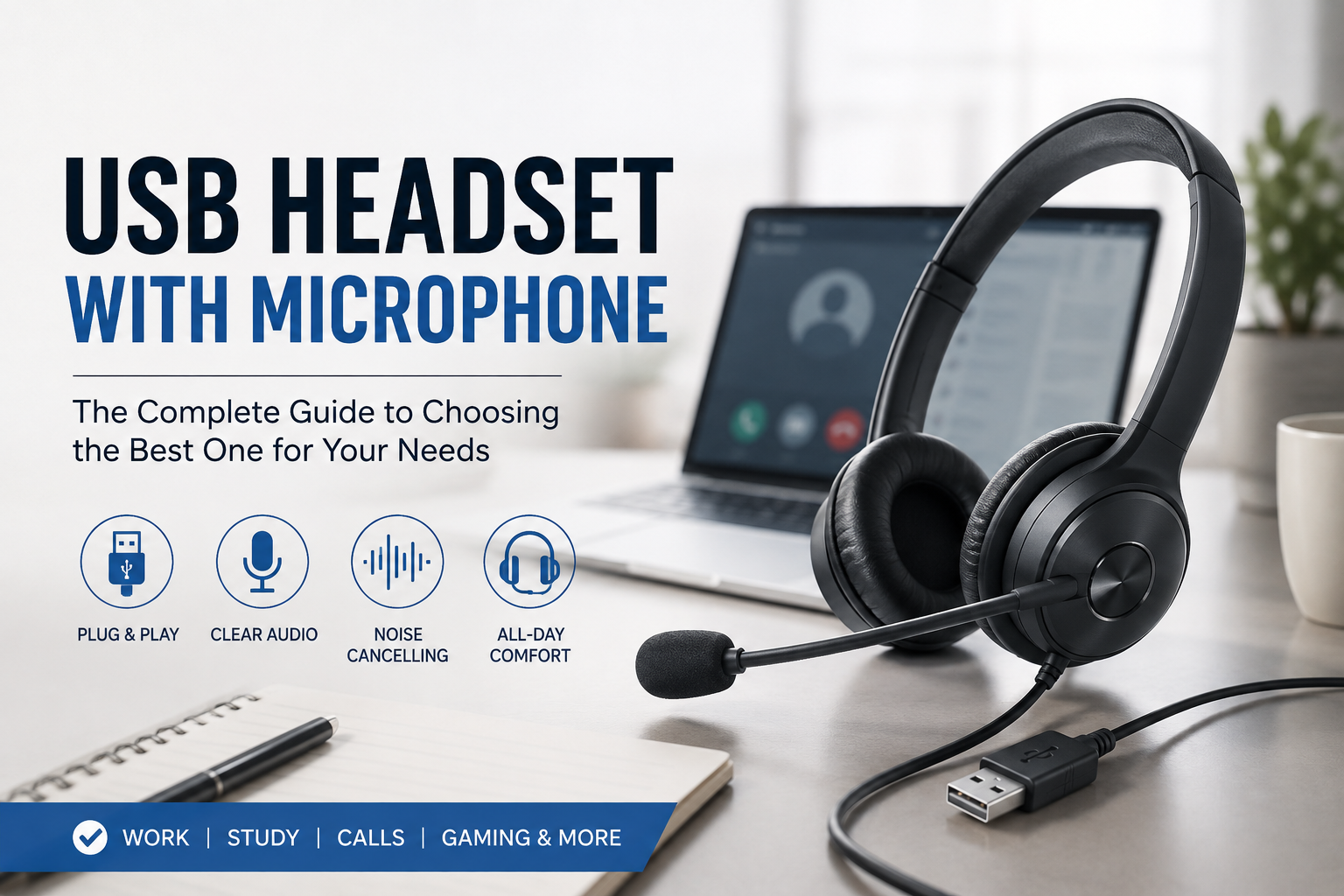
If you need a dependable usb headset with microphone for Zoom meetings, remote work, online classes, customer support, gaming, or everyday PC audio, this guide brings together popular wired USB headsets from trusted brands. Compare microphone style, USB connection, comfort, controls, and the type of user each headset fits best.
Featured USB Headsets With Microphones
 Best overall for work
Logitech H390 Wired USB Headset
Stereo USB-A headset with a boom microphone and convenient inline audio controls for computer calls, classes, and meetings.
 Best for office calls
Jabra Evolve 20 UC Wired Headset
A professional stereo USB headset designed around voice calls and productivity, with an on-cable control unit for quick call handling.
 Best USB gaming pick
Razer Kraken V3 X Wired USB Gaming Headset
Lightweight gaming-focused USB headset with a boom mic, 40 mm drivers, virtual surround features, and RGB lighting.
 Best premium gaming
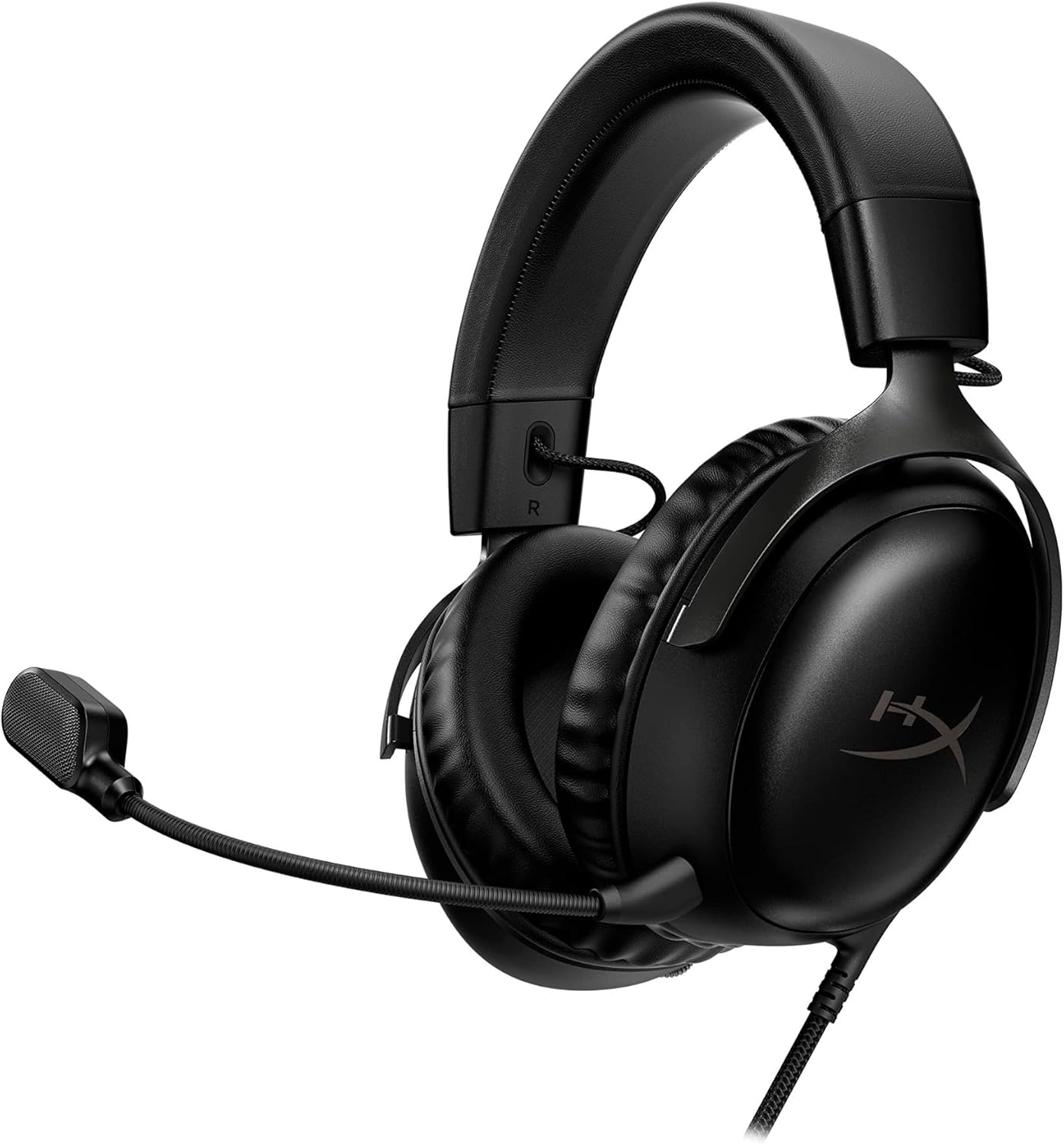
HyperX Cloud III Wired Gaming Headset
A fuller over-ear design for gamers who want a removable microphone, large drivers, soft memory-foam padding, USB-A/USB-C support, and 3.5 mm flexibility.
 Best lightweight business
Plantronics Blackwire C3220 USB Headset
Lightweight binaural office headset built for communication, softphone calls, and long stretches at a desk without the bulk of a gaming headset.
Which USB Headset With Microphone Should You Buy?
For most people working from a laptop or desktop computer, the Logitech H390 is an easy place to start because it keeps the setup simple: USB connection, stereo earcups, a boom microphone, and inline controls. If your priority is professional calling, the Jabra Evolve 20 UC and Plantronics Blackwire C3220 are more business-focused. For gaming, the Razer Kraken V3 X and HyperX Cloud III offer larger earcups and gaming-oriented sound.
USB Headset With Microphone Comparison
| Model | Best for | Connection | Microphone | Design | Shop |
|---|---|---|---|---|---|
| Logitech H390 | Remote work, school, general calls | USB-A | Rotating boom mic | On/over-ear stereo | Amazon |
| Jabra Evolve 20 UC | Office calls, customer service | USB | Business boom mic | Lightweight stereo | Amazon |
| Razer Kraken V3 X | PC gaming | USB-A | Cardioid boom mic | Over-ear gaming | Amazon |
| HyperX Cloud III | Premium gaming & multipurpose audio | USB-C, USB-A, 3.5 mm | Detachable boom mic | Over-ear | Amazon |
| Plantronics Blackwire C3220 | Business communication | USB-A | Flexible boom mic | Lightweight stereo | Amazon |
Best USB Headsets With Microphones: Detailed Picks
1. Logitech H390 — Best USB Headset With Microphone for Most People
The Logitech H390 is a straightforward wired option for people who mainly need clearer calls and convenient computer audio. It uses a USB connection instead of a traditional headphone jack, so setup is typically simple on compatible PCs and laptops. The boom microphone can be positioned near your mouth for voice pickup and moved away when you are only listening.
2. Jabra Evolve 20 UC — Best for Office Calls
The Jabra Evolve 20 UC is built with business communication in mind. It is a useful choice for sales calls, help desks, call-center work, video meetings, and other situations where voice communication matters more than heavy bass or gaming effects. The compact design also takes up less space in a work bag than most over-ear gaming headsets.
3. Razer Kraken V3 X — Best USB Gaming Headset With Microphone
The Kraken V3 X shifts the focus toward gaming. Its larger earcups and gaming-tuned features make it better suited to desktop PC setups where you want game audio and voice chat in one device. The boom microphone is positioned for team communication, while the lightweight frame aims to keep the headset manageable during longer gaming sessions.
4. HyperX Cloud III — Best Premium Wired Option
The HyperX Cloud III is the most versatile gaming-oriented model in this group because the listing supports multiple wired connection options. That makes it attractive to users who switch between a gaming PC, console, and other compatible devices. It also uses a larger over-ear design with substantial cushioning for users who prefer a more enclosed fit.
5. Plantronics Blackwire C3220 — Best Lightweight Business Alternative
The Blackwire C3220 is another headset aimed squarely at business communication. Its slim stereo frame is a good fit for desks, shared offices, reception work, and remote employees who spend much of the day joining voice or video calls. It gives buyers a more professional-looking alternative to bulky gaming models.
How to Choose a USB Headset With Microphone
The best usb headset with microphone depends on what you actually do at your computer. A headset for eight hours of customer calls should prioritize comfort, microphone placement, mute access, and a lightweight design. A gaming headset should put more emphasis on larger drivers, positional audio, over-ear isolation, and a mic that stays clear during team chat.
1. Pay attention to the microphone
A boom microphone is usually easier to position close to the mouth than a microphone built into the earcup. For meetings or call-center work, look for a mic that can be rotated or flexed into a comfortable speaking position. Some models are marketed with noise-reduction or noise-cancelling microphone features, which can help reduce distracting background sound reaching the person on the other end.
2. Check USB-A versus USB-C
Many traditional wired computer headsets use USB-A. Newer laptops may have fewer USB-A ports and more USB-C ports, so confirm your computer before ordering. Some headsets, such as the HyperX Cloud III configuration featured here, provide more than one wired connection option.
3. Inline controls make work easier
Volume and mute controls placed directly on the cable are especially useful during meetings. They let you quickly lower audio or mute the microphone without hunting for software controls on your screen.
4. Choose comfort based on session length
Lightweight on-ear office headsets are easy to wear and store, but larger over-ear cushions can feel more immersive and may reduce outside distractions. If you wear a headset for several hours every day, headband pressure, ear-cushion material, weight, and clamping force can matter as much as sound quality.
5. Stereo versus mono
Stereo headsets cover both ears, which is useful for music, games, and focused work. Mono business headsets leave one ear open so you can still hear coworkers or your surroundings. The products in this guide are primarily stereo models.
6. Think about software and device compatibility
Before buying, confirm that the headset works with the operating system, communication platform, game system, or corporate setup you use. A basic USB headset is often plug-and-play for common computer audio tasks, but advanced controls or surround features may require specific software.
USB Headset With Microphone for Work From Home
For remote work, voice quality and convenience usually matter more than flashy extras. A wired USB headset avoids battery management and gives you a stable physical connection to your computer. Models such as the Logitech H390, Jabra Evolve 20 UC, and Plantronics Blackwire C3220 are particularly relevant for everyday video meetings, customer calls, training sessions, webinars, and online learning.
If your workspace is noisy, a headset that covers both ears can also help you focus. For a quiet home office, a lightweight business headset may feel less tiring during long call blocks. A physical mute control is another feature worth prioritizing because it is faster than finding the mute button inside meeting software.
USB Headset With Microphone for Gaming
Gamers generally benefit from a larger over-ear design, a microphone that stays close to the mouth, and drivers tuned for game sound. The Razer Kraken V3 X is the most gaming-specific USB headset on this list. The HyperX Cloud III is a step up for buyers who want a more substantial headset and multiple wired connection options.
For casual gaming, you do not necessarily need the most expensive model. If your priority is simply talking with friends while playing on a PC, even a work-oriented USB headset can handle basic voice chat. Dedicated gaming models become more attractive when you care about comfort during long sessions, soundstage, directional cues, and a fuller over-ear experience.
Frequently Asked Questions
What is the best USB headset with microphone for work?
The Logitech H390 is a strong general-purpose choice for meetings and everyday computer calls. Buyers who spend more time on professional calls may prefer the business-focused Jabra Evolve 20 UC or Plantronics Blackwire C3220.
Is a USB headset better than a 3.5 mm headset?
USB headsets can be convenient because the headset handles its own digital audio connection and often includes inline controls. A 3.5 mm headset can be more universal across devices with headphone jacks. The better option depends on your computer and how you plan to use it.
Do USB headsets work with Zoom and Microsoft Teams?
Many standard USB headsets work as normal audio input/output devices on computers and can be selected inside meeting applications. Always verify current compatibility for the exact headset, operating system, and software version you use.
Do I need a noise-cancelling microphone?
If you work around fans, conversations, traffic, or household noise, a microphone designed to reduce background sound can be useful. In a quiet room, microphone positioning and speaking distance may matter just as much.
Can a USB headset with microphone be used for gaming?
Yes. USB headsets can work very well for PC gaming when they are supported by the computer. Gaming-focused options such as the Razer Kraken V3 X and HyperX Cloud III add features and ergonomics aimed specifically at longer gaming sessions.
Should I buy USB-A or USB-C?
Check the ports on your laptop or desktop first. USB-A is still common on desktop PCs, while many newer thin laptops rely more heavily on USB-C. If your computer has only USB-C, either choose a compatible headset or use an appropriate adapter if supported.