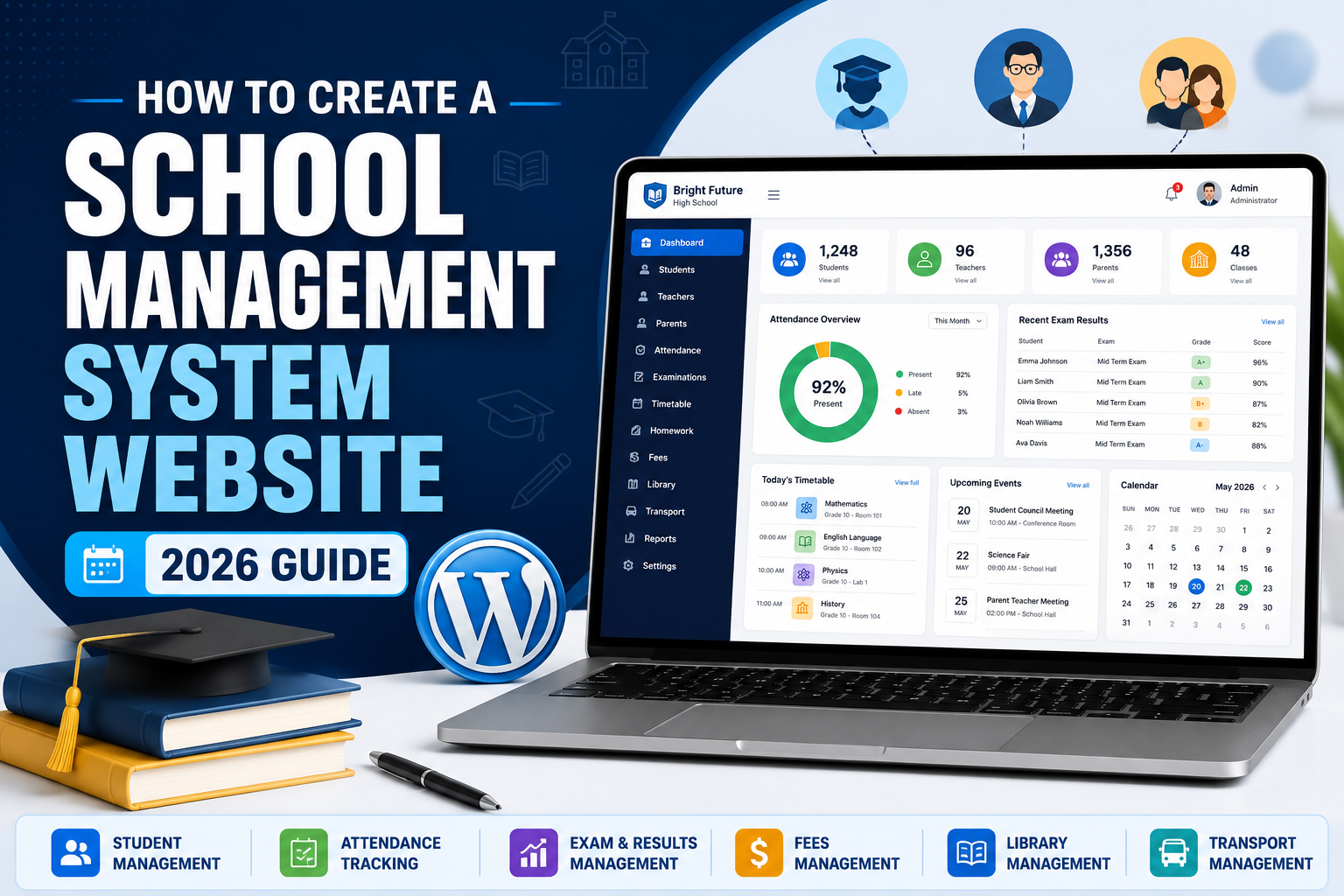
How to Create a School Management System Website in WordPress
Learn how to build a complete school management system website with student accounts, teacher dashboards, parent access, attendance, exam results, timetables, homework, school fees, online payments, library management, transportation and more.
A modern school website can do considerably more than display photographs, contact information and admission requirements.
By combining WordPress with the right school management software, you can create a centralized digital system for administrators, teachers, students and parents.
That system can potentially manage student records, classes, attendance, homework, examinations, results, school fees, timetables, announcements, library records and transportation.
In this guide, we’ll walk through the major steps involved in creating a school management system website in WordPress.
Watch the Complete School Management System Tutorial
Follow the original video tutorial to see the WordPress school-management website setup demonstrated step by step.
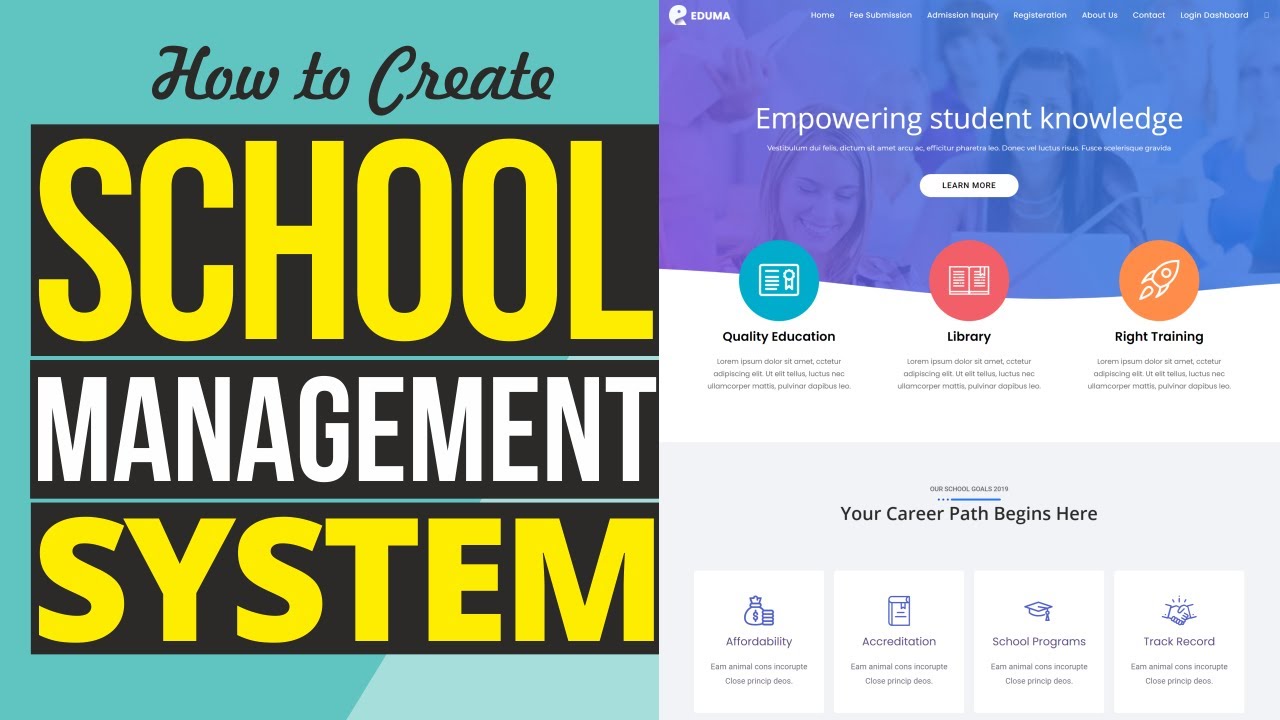
How to Create a School Management System Website
Watch the original tutorial directly on YouTube and follow along while building your WordPress school management website.
▶ Watch Tutorial on YouTubeOpens the original tutorial directly on YouTube.
Table of Contents
What Is a WordPress School Management System?
A school management system is a centralized platform designed to organize academic and administrative information.
Instead of keeping attendance in one spreadsheet, examination results in another application and student information somewhere else, a school management platform can bring many of these processes together.
WordPress provides the website foundation, while specialized school-management software provides the academic functionality.
School Management Website Architecture
The public website provides information about the institution while the private portal can provide authorized dashboards for administrators, teachers, students and parents.
What Can a School Management Website Do?
The exact functionality depends on the school-management solution you choose, but these are some of the most useful features.
Student Management
Create student profiles, admission records, classes and accounts.
Teacher Management
Manage teachers, subjects, classes and staff permissions.
Attendance
Record student attendance and maintain attendance histories.
Exam Results
Enter marks and publish examination results digitally.
Timetables
Organize teachers, subjects, classes and schedules.
School Fees
Create fee structures, invoices and payment records.
Library
Manage books, availability, borrowing and returns.
Transportation
Organize vehicles, routes, drivers and transportation records.
Announcements
Publish notices for teachers, students, staff and parents.
Get Hosting for Your School Website
Your hosting stores WordPress, your school database, uploaded files and the software powering your website.
Because a school portal can eventually have many students, teachers and parents logging in, your hosting should provide room for growth.
- WordPress compatibility
- SSL support
- Database hosting
- Website backups
- Professional email options
- Upgrade options
Install WordPress
Choose Your Domain
Choose a professional domain that represents the institution.
greenvalleyacademy.com
johnsonschool.org
Enable SSL
Your website should use HTTPS, particularly when students, parents and staff will be accessing private accounts.
Install WordPress
Most WordPress hosting companies provide an automatic WordPress installer.
After installation, your administration dashboard will normally be accessible from:
yourschool.com/wp-admin
Configure WordPress
Configure your school name, administrative email, timezone, language and date format.
Install Your School Management Software
WordPress provides the website infrastructure, but specialized software is needed to handle many academic and administrative functions.
The school-management plugin becomes the engine responsible for organizing students, teachers, classes and related records.
Academic Structure
Academic Management
Classes, sections, subjects, academic sessions and teacher assignments.
Student Management
Admissions, profiles, attendance, examinations and results.
Financial Management
Fees, invoices and payment history where supported.
Create Your School Profile
Start by entering the institution’s basic information.
| Setting | Example |
|---|---|
| School Name | Green Valley Academy |
| Academic Session | 2026–2027 |
| office@example.com | |
| Phone | School office number |
| Address | Official school location |
| Logo | Official school logo |
Create Classes and Sections
Create the academic structure into which your students will be enrolled.
Grade 1
Section A
Section B
Grade 2
Section A
Section B
Grade 3
Section A
Section B
Add Teachers and School Staff
Create individual accounts for teachers and authorized staff.
- Full name
- Email address
- Phone number
- Employee ID
- Department
- Assigned classes
- Assigned subjects
- Login credentials
Add Students
Once your classes are configured, begin adding students.
| Student Information | Purpose |
|---|---|
| Student Name | Identifies the student |
| Admission Number | Unique school identification |
| Class / Section | Places the student in the appropriate class |
| Date of Birth | Student profile information |
| Parent / Guardian | Connects the student with a parent account |
| Admission Date | Academic record |
| Student Photo | Visual identification |
Create Parent Accounts
Parent accounts can create a useful digital connection between families and the school.
Attendance
Parents can review permitted attendance information.
Results
Published examination results can be made available digitally.
Fees
Parents can review invoices, balances or payment information.
Configure Student Attendance
Teachers can record attendance digitally instead of relying entirely on paper registers.
| Student | Status |
|---|---|
| Michael Johnson | ✅ Present |
| Sarah Williams | ✅ Present |
| Daniel Thomas | ❌ Absent |
| Emma Brown | ⏰ Late |
Create School Subjects
Mathematics
Assign teachers and classes.
Science
Connect teachers with appropriate science classes.
English
Organize teachers, students and schedules.
Geography
Add geography to appropriate academic programs.
Computer Science
Organize technology classes and schedules.
Physical Education
Include physical education in your timetable.
Create the School Timetable
Once your teachers, classes and subjects exist, build the academic schedule.
| Time | Monday | Tuesday | Wednesday | Thursday | Friday |
|---|---|---|---|---|---|
| 8:00 AM | Mathematics | English | Science | Mathematics | English |
| 9:00 AM | English | Science | Mathematics | History | Science |
| 10:00 AM | Science | Mathematics | History | English | Computer |
| 11:00 AM | History | Geography | English | Science | Physical Education |
Publish Homework and Study Materials
Homework
Publish assignments, instructions and deadlines.
Study Materials
Provide PDFs, worksheets, notes and study guides.
Video Lessons
Provide links to supplemental educational videos.
Add Online Classes
Schools offering remote or hybrid education can connect their school portal with video-conferencing or online-learning services.
Online Class Workflow
Create Examinations and Publish Results
Your school-management system can organize examination schedules and student results.
| Subject | Score | Grade |
|---|---|---|
| Mathematics | 91 | A |
| English | 84 | B |
| Science | 88 | B+ |
| History | 79 | B |
Once teachers enter marks and the school approves the results, they can be published to authorized student or parent accounts if supported by the selected software.
Set Up School Fees and Online Payments
| Fee | Example Amount |
|---|---|
| Tuition | $500 |
| Registration | $75 |
| Transportation | $100 |
| Laboratory | $50 |
| Total | $725 |
Create a Digital Library System
Your school library can also be incorporated into the digital management system.
- Book title
- Author
- ISBN
- Category
- Quantity
- Available copies
- Borrowing student
- Issue date
- Return date
Library Workflow
Manage School Transportation
Vehicles
Maintain information about school buses and vehicles.
Drivers
Associate drivers with appropriate transportation routes.
Routes
Organize pickup points and transportation routes.
Ready to Build Your WordPress School Website?
Start with the foundation. Get your hosting, install WordPress and then configure your school-management platform.
Get Started With Hostinger →Build the Public School Website
The management portal is only one part of the project. You should also build a professional public-facing school website.
Recommended Homepage Structure
Give Every User the Right Dashboard
A properly configured school system separates access according to each user’s role.
Administrator
Manage the overall system.
Teacher
Manage classes and academic records.
Student
Access permitted academic information.
Parent
Review permitted information about a child.
Make the School Website Mobile Friendly
Parents, teachers and students are likely to access the website from mobile devices.
📱 Navigation
Menus should be easy to use on small screens.
🔐 Login
Login fields should display correctly on phones.
📊 Results
Large result tables should scroll horizontally.
💳 Payments
Test payment workflows on mobile devices.
📝 Forms
Admission and contact forms should be easy to complete.
⚡ Speed
Optimize unnecessary assets and monitor performance.
School Management Website Workflow
How Much Does a WordPress School Management Website Cost?
Your total cost depends on your hosting, school-management software and optional integrations.
| Component | Cost Structure |
|---|---|
| Domain | Annual |
| Web Hosting | Monthly / Annual |
| WordPress | Free software |
| Theme | Free / Premium |
| School Management Software | Free / Premium |
| SMS | Usage based |
| Payment Processing | Transaction based |
| Maintenance | Optional / Ongoing |
You don’t necessarily need every premium feature at launch. Start with essential functionality and expand as your requirements grow.
Start Building Your School Website
Get your WordPress foundation online first, then install and configure the school-management functionality you need.
Get Hostinger WordPress Hosting →School Management System FAQ
Common questions about creating a school-management website with WordPress.
Can WordPress be used for a school management system?
Yes. WordPress can provide the website foundation while specialized school-management software handles students, teachers, attendance, examinations, results, fees and other functions.
Can parents log into the school website?
Yes, provided your school-management solution supports dedicated parent accounts.
Can teachers take attendance online?
Yes. Attendance management is a common feature of school-management platforms.
Can students check examination results online?
If the system includes student dashboards and result publishing, students can access published results online.
Can parents pay school fees online?
Some systems support online payment gateways. Verify the supported processors before selecting your software.
Can a school website send SMS notifications?
Some systems provide SMS integrations directly or through third-party gateways. Availability depends on the software selected.
Do I need coding knowledge?
Not necessarily. WordPress and specialized plugins can handle much of the standard setup without advanced programming. Custom functionality may still require development.
Can I use Elementor to design the school website?
Yes. Elementor can be used to design public-facing pages while your school-management software handles academic and administrative functionality.
Build More Than Just a School Website
A modern school website can become much more than a collection of informational pages.
By combining WordPress with the right school-management solution, you can create a centralized platform connecting administrators, teachers, students and parents.
Start with your hosting and WordPress installation. Then create the school’s academic structure before adding teachers, students and parents.
After that, configure attendance, examinations, results, fees, timetables, library management, transportation and any additional functionality your institution requires.
Finally, build a professional public-facing website and thoroughly test every user role before launch.
Build Your WordPress School Website
Need hosting for your project? Use the button below to check available Hostinger WordPress hosting plans.
Check Hostinger Plans →