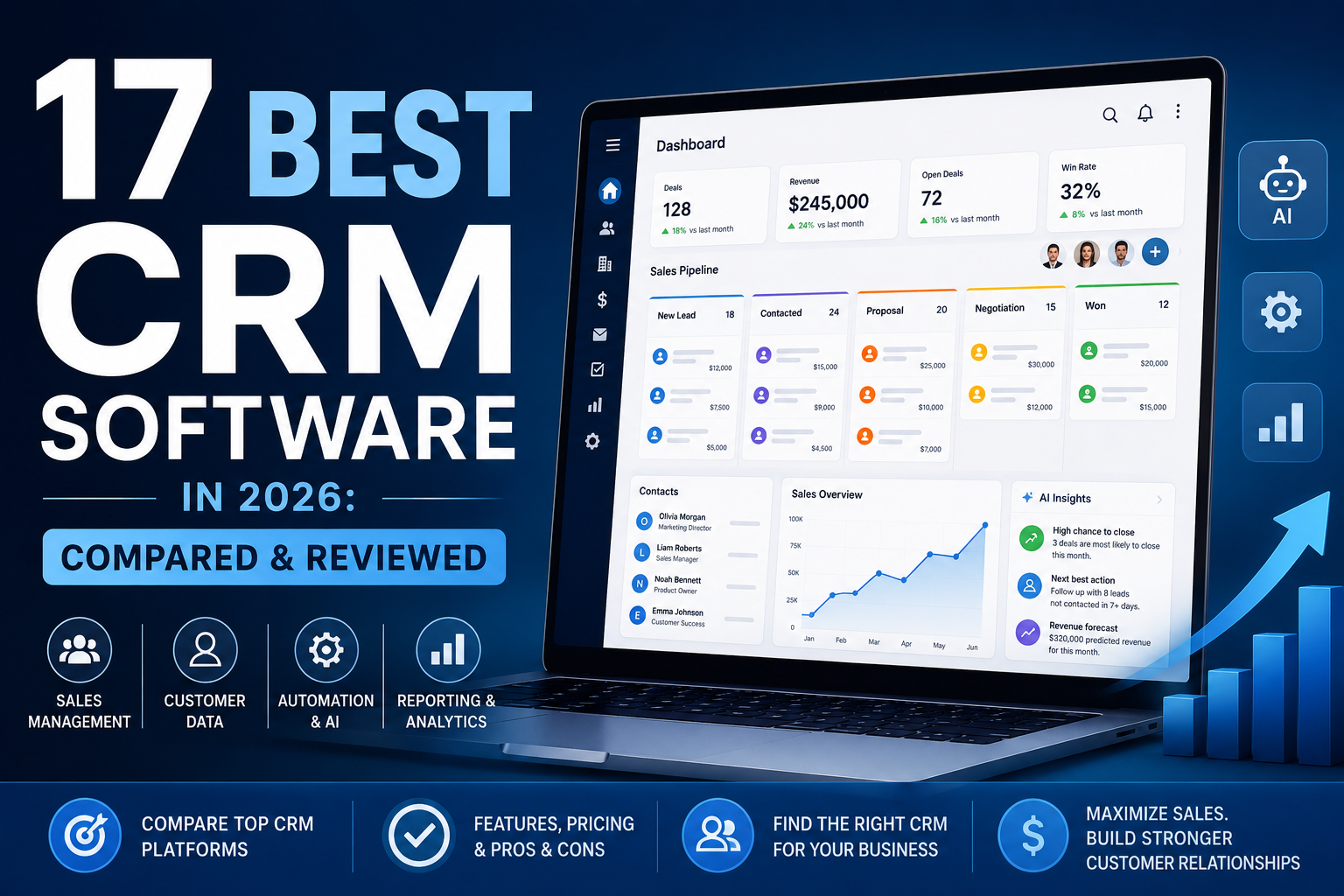
17 Best CRM Software in 2026: Compared & Reviewed
The best CRM software can help you manage leads, organize customer data, and close more sales.
However, every business has different needs. Some CRM tools are better for small teams. Others work best for larger companies.
In this guide, I compare 17 popular CRM platforms. I look at sales tools, ease of use, automation, reporting, AI features, and value.
Salesforce is my top choice for large businesses that need advanced customization.
HubSpot CRM is a strong choice for companies that want sales and marketing tools in one platform.
Pipedrive works well for visual sales pipelines. Meanwhile, monday CRM is a good choice for flexible workflows.
Finally, Zoho CRM offers strong value for small and growing businesses.
Affiliate disclosure: Some links on this page may be affiliate links. I may earn a commission if you buy through them. You do not pay anything extra.
How I Compared the Best CRM Software
CRM platforms often look similar at first. However, their features can feel very different once your team starts using them.
For that reason, I compared each CRM in four main areas.
I looked at leads, pipelines, deals, contacts, tasks, and forecasting.
I reviewed workflow automation, lead scoring, follow-up tools, and AI features.
I considered setup, navigation, customization, and how quickly a team can learn the software.
I also looked at pricing, integrations, plan limits, and long-term flexibility.
A small business may care most about price and simplicity. In contrast, a large sales team may need more automation.
Therefore, each CRM below includes a clear “best for” use case.
Best CRM Software of 2026 at a Glance
The table below gives you a quick comparison. After that, you can read the full reviews.
| CRM | Best For | Free Option | Automation | Ease of Use | Visit |
|---|---|---|---|---|---|
| Salesforce | Large businesses | Trial/options vary | Excellent | Moderate | Visit |
| HubSpot CRM | Marketing + CRM | Free tools | Excellent | Very Good | Visit |
| Pipedrive | Sales pipelines | Trial | Excellent | Excellent | Visit |
| monday CRM | Flexible workflows | Options vary | Excellent | Excellent | Visit |
| Zoho CRM | Small businesses | Free option | Excellent | Very Good | Visit |
Note: CRM pricing changes often. Always check the provider’s website before you buy.
Jump to a CRM Review
What Is CRM Software?
CRM stands for customer relationship management.
CRM software helps businesses manage leads, prospects, and customers.
For example, a CRM can store names, emails, phone numbers, notes, and sales activity.
As a result, your team does not need to rely on separate spreadsheets or inboxes.
What Can CRM Software Do?
- Track leads and sales opportunities.
- Manage contacts and companies.
- Create visual sales pipelines.
- Schedule calls and meetings.
- Send follow-up reminders.
- Automate sales tasks.
- Track deal values.
- Create sales reports.
- Forecast future revenue.
- Connect with email and marketing tools.
In addition, many CRM tools now include AI features. These tools can help with lead scoring, summaries, emails, and forecasting.
1. Salesforce
Salesforce is a strong choice for large companies.
It offers advanced customization, automation, and reporting.
Why Choose Salesforce?
Salesforce is one of the biggest CRM platforms available.
It can manage sales, service, marketing, and customer data.
In addition, businesses can customize many parts of the platform.
Key Features
- Lead and contact management.
- Sales pipelines.
- Workflow automation.
- Reporting dashboards.
- Sales forecasting.
- Large integration ecosystem.
Ease of Use
Salesforce is powerful. However, it is not the easiest CRM for beginners.
Larger businesses may need extra setup or training.
Pros
- Very scalable.
- Highly customizable.
- Strong reporting tools.
- Excellent automation.
Cons
- Can feel complex.
- Setup may take time.
- Advanced plans can cost more.
Best for larger companies
Explore Salesforce and compare its current CRM plans.
2. Nutshell
Nutshell is a simple CRM for growing sales teams.
It can help teams stay organized without a difficult setup process.
Why Choose Nutshell?
Nutshell focuses on ease of use.
It combines contacts, pipelines, sales tasks, and reporting in one place.
Therefore, it can work well for smaller teams.
Key Features
- Contact management.
- Sales pipelines.
- Email tools.
- Lead capture.
- Sales reporting.
- Workflow automation.
Pros
- Easy to learn.
- Clean interface.
- Useful sales tools.
- Good contact management.
Cons
- Less advanced than enterprise CRMs.
- Some teams may need extra integrations.
Best for smaller sales teams
See what Nutshell offers.
3. monday CRM
monday CRM is a good choice for visual teams.
It also gives you many ways to customize your sales workflow.
Why Choose monday CRM?
monday CRM uses visual boards.
Because of that, it is easy to see where each deal stands.
You can also change fields, stages, and workflows.
Key Features
- Visual pipelines.
- Custom workflows.
- Sales automation.
- Dashboards.
- Task management.
- Team collaboration.
Pros
- Modern design.
- Flexible workflows.
- Easy collaboration.
- Strong automation.
Cons
- Setup can take time.
- Too many options may confuse new users.
Best for visual workflows
Explore monday CRM and its current plans.
4. Pipedrive
Pipedrive is a strong choice for sales teams.
It makes it easy to see every deal and the next action you need to take.
Why Choose Pipedrive?
Pipedrive focuses mainly on sales.
As a result, it feels simpler than many large CRM platforms.
You can move deals between stages and track follow-up tasks.
Key Features
- Visual sales pipelines.
- Deal tracking.
- Lead management.
- Email integration.
- Sales automation.
- Reporting.
Pros
- Easy visual pipeline.
- Simple deal management.
- Strong sales focus.
- Useful automation.
Cons
- Marketing tools are more limited than HubSpot.
- Some features may need higher plans.
Best for sales-focused teams
Compare Pipedrive plans and features.
5. HubSpot CRM
HubSpot is a strong option for businesses that want CRM and marketing tools together.
Why Choose HubSpot CRM?
HubSpot connects sales, marketing, and customer data.
In addition, it offers an easy entry point for new CRM users.
Key Features
- Contact management.
- Sales pipelines.
- Email integration.
- Marketing tools.
- Automation.
- Reporting.
Pros
- Easy to start.
- Strong marketing tools.
- Good user interface.
- Large integration marketplace.
Cons
- Advanced tools can become expensive.
- Small teams may not need the full ecosystem.
Best for sales and marketing
Explore HubSpot CRM tools.
6. Freshsales
Why Choose Freshsales?
Freshsales combines CRM tools with automation and AI features.
It can be a good fit for teams that already use Freshworks products.
Key Features
- Contact management.
- Visual sales pipelines.
- Sales automation.
- Email tools.
- Sales reports.
- AI-assisted features.
Pros
- Modern interface.
- Good automation.
- Useful AI tools.
Cons
- Advanced setup may take time.
- Features vary by plan.
7. Salesmate
Why Choose Salesmate?
Salesmate focuses on sales communication and automation.
It can help teams manage leads, calls, emails, and follow-ups.
Key Features
- Sales sequences.
- Pipeline management.
- Workflow automation.
- Communication tools.
- Activity tracking.
- Sales reports.
8. Zoho CRM
Zoho CRM offers a strong mix of features and value.
Therefore, it can be a good option for small and growing companies.
Why Choose Zoho CRM?
Zoho CRM includes sales tools, automation, reporting, and AI features.
It also connects with many other Zoho products.
Key Features
- Lead management.
- Contact management.
- Sales automation.
- Sales forecasting.
- AI features.
- Reports and analytics.
Pros
- Strong value.
- Flexible setup.
- Good automation.
- Large Zoho ecosystem.
Cons
- Many settings can take time to learn.
- Some users may want a simpler interface.
9. Act!
Why Choose Act!?
Act! combines contact management with sales and marketing tools.
It can work well for smaller companies that want a traditional CRM setup.
Key Features
- Contact management.
- Sales pipelines.
- Calendar tools.
- Marketing features.
- Business reports.
10. Salesflare
Why Choose Salesflare?
Salesflare focuses on automation.
For example, it can reduce the amount of data your sales team enters by hand.
Key Features
- Contact enrichment.
- Email tracking.
- Sales pipelines.
- Follow-up reminders.
- Email workflows.
- Sales dashboards.
11. Nimble
Why Choose Nimble?
Nimble focuses on business relationships.
It helps teams keep contacts and communication history in one place.
Key Features
- Contact records.
- Relationship history.
- Contact segmentation.
- Deal pipelines.
- Task reminders.
- Productivity integrations.
12. NetHunt CRM
Why Choose NetHunt CRM?
NetHunt works closely with Gmail.
Therefore, it can be a useful choice for teams that already spend most of the day in Google Workspace.
Key Features
- Gmail CRM tools.
- Sales pipelines.
- Lead management.
- Automation.
- Email sequences.
- Reports.
13. Insightly
Why Choose Insightly?
Insightly connects sales activity with ongoing customer work.
As a result, it may be useful for companies that manage projects after the sale.
Key Features
- Lead routing.
- Relationship management.
- Opportunity tracking.
- Workflow automation.
- Reports.
- Integrations.
14. EngageBay
Why Choose EngageBay?
EngageBay combines CRM, marketing, and support tools.
Therefore, it can be useful for smaller businesses that want several tools in one platform.
Key Features
- Contact management.
- Marketing automation.
- Email marketing.
- Lead capture.
- Sales pipelines.
- Support tools.
15. Pipeline CRM
Why Choose Pipeline CRM?
Pipeline CRM focuses on simple sales management.
It can help teams manage deals without using a large enterprise platform.
Key Features
- Sales pipelines.
- Deal tracking.
- Contact management.
- Team activity tracking.
- Automation.
- Reports.
16. Keap
Why Choose Keap?
Keap combines CRM tools with marketing automation.
For that reason, it can work well for service businesses and entrepreneurs.
Key Features
- Contact management.
- Automated follow-up.
- Lead capture.
- Sales pipelines.
- Email marketing.
- Appointment tools.
17. Close
Close is built for sales teams that make many calls and send many emails.
Why Choose Close?
Close keeps sales communication close to the CRM.
Therefore, representatives can spend less time switching between tools.
Key Features
- Sales pipelines.
- Email automation.
- Call tools.
- Task management.
- Lead tracking.
- Sales reports.
Pros
- Strong sales focus.
- Useful communication tools.
- Good productivity features.
Cons
- May be too sales-focused for some businesses.
- Marketing tools may require another platform.
Best CRM Software by Use Case
The best CRM depends on your goal.
For example, a small business may need simple pricing. A large sales team may need more automation.
| Use Case | Recommended CRM | Why |
|---|---|---|
| Best CRM overall | Salesforce | Strong customization and scalability |
| Best CRM for small business | Zoho CRM | Good value and useful features |
| Best free CRM | HubSpot CRM | Useful free entry point |
| Best CRM for sales teams | Pipedrive | Simple visual pipeline |
| Best CRM for marketing | HubSpot CRM | Strong marketing integration |
| Best customizable CRM | Salesforce | Many customization options |
| Best visual CRM | monday CRM | Flexible boards and workflows |
| Best CRM for Gmail | NetHunt CRM | Works closely with Gmail |
Best CRM Software for Small Business
Small businesses usually need a CRM that is simple and affordable.
They also need software that can grow with them.
For that reason, I would look closely at Zoho CRM, HubSpot CRM, Pipedrive, Freshsales, and monday CRM.
Zoho CRM
Zoho offers many useful sales tools.
It can also work well for growing companies that need more automation later.
HubSpot CRM
HubSpot is a strong choice if you also need marketing tools.
In addition, its free entry point makes it easier to get started.
Pipedrive
Pipedrive is ideal if your business has a clear sales process.
Its visual pipeline makes deal tracking simple.
Best Free CRM Software
Free CRM software can be useful for new businesses.
However, free plans often have limits.
For example, you may get fewer users, less automation, or fewer reports.
HubSpot CRM and Zoho CRM are two well-known options with free entry points.
Still, always check the current plan limits before you choose one.
Best CRM Software for Sales Teams
Sales teams need fast access to leads, deals, and follow-up tasks.
Therefore, Pipedrive, Salesforce, and Close are strong options.
Pipedrive is easy to use.
Salesforce offers more advanced customization.
Meanwhile, Close works well for teams that rely on calls and email.
Best AI CRM Software
AI is becoming a common CRM feature.
For example, AI can help with lead scoring, forecasting, summaries, and emails.
However, do not choose a CRM only because it has AI.
The main CRM features still matter most.
Look for a platform that saves your team time and makes sales work easier.
CRM Software Features to Look For
Contact Management
Store customer details, notes, activity, and communication in one place.
Lead Management
Capture leads, assign them, and track their progress.
Sales Pipelines
See where each deal is and what needs to happen next.
Automation
Automate reminders, emails, assignments, and other sales tasks.
Reporting
Measure sales activity, pipeline value, and conversions.
Integrations
Connect your CRM with email, calendars, marketing, and accounting tools.
Benefits of CRM Software
Keep Customer Data Organized
A CRM keeps customer information in one place.
As a result, your team does not need to search through many tools.
Improve Follow-Up
CRM reminders can help your team follow up on time.
Therefore, fewer leads may fall through the cracks.
See Your Sales Pipeline
A sales pipeline shows how many deals are active.
It also helps you see which deals need attention.
Automate Repetitive Tasks
Automation can save time on reminders, emails, and assignments.
Improve Teamwork
Sales and marketing teams can share the same customer information.
Therefore, everyone has better context.
Make Better Decisions
CRM reports can show conversion rates, sales activity, and expected revenue.
Types of CRM Software
Operational CRM
Operational CRM focuses on daily customer activity.
For example, it may include sales automation, marketing automation, and service tools.
Analytical CRM
Analytical CRM focuses on customer data.
It can help businesses find trends and measure performance.
Collaborative CRM
Collaborative CRM helps teams share customer information.
As a result, sales, marketing, and support teams can work together more easily.
CRM Software vs. Spreadsheets
A spreadsheet may work when your business has only a few leads.
However, it becomes harder to manage as your company grows.
A CRM is usually a better choice when several people work with the same customers.
Signs You May Need a CRM
- You forget to follow up with leads.
- Several employees manage the same customers.
- You cannot see your pipeline value quickly.
- Customer messages are spread across several inboxes.
- You need sales forecasts.
- You want automated lead assignment.
- You copy data between many tools.
How Much Does CRM Software Cost?
CRM prices can vary a lot.
Some platforms offer free plans.
Others charge a monthly fee for each user.
In addition, advanced automation and AI tools may cost more.
Therefore, do not look only at the advertised price.
Instead, calculate the total cost for your whole team.
Also consider training, integrations, data migration, and add-ons.
How to Choose the Best CRM Software
Define Your Goal
Decide what problem you want the CRM to solve.
Map Your Sales Process
Write down the steps a lead takes before becoming a customer.
Check Integrations
Make sure the CRM connects with your main business tools.
Set Your Budget
Calculate the cost for your full team.
Test the CRM
Use a free trial or demo when possible.
Think About Your Team
Choose software that your employees will actually use.
Who Should Use CRM Software?
CRM software can help many types of businesses.
For example, it can be useful for:
- Real estate companies.
- Marketing agencies.
- Consultants.
- Insurance companies.
- Financial service businesses.
- SaaS companies.
- Home service businesses.
- Recruiting firms.
- Ecommerce stores.
- B2B sales teams.
- Professional service providers.
CRM Software FAQ
What does CRM stand for?
CRM stands for customer relationship management. It is a system for managing leads, customers, and sales activity.
What is the best CRM software?
Salesforce is a strong option for large businesses. Pipedrive is great for sales pipelines. HubSpot works well for sales and marketing. Zoho is a good choice for small businesses.
What is the best CRM for small business?
Zoho CRM, HubSpot CRM, Pipedrive, Freshsales, and monday CRM are all strong options for small businesses.
What is the best free CRM?
HubSpot CRM and Zoho CRM both offer free entry points. However, free-plan limits may change.
Can CRM software automate sales?
Yes. A CRM can automate tasks, reminders, emails, lead assignments, and other sales activity.
How much does CRM software cost?
Prices vary by platform. Some CRMs are free, while others charge per user each month.
Is Salesforce better than HubSpot?
It depends on your needs. Salesforce is stronger for advanced customization. HubSpot is often easier for businesses that want sales and marketing together.
What is AI CRM software?
AI CRM software uses artificial intelligence to help with tasks such as lead scoring, summaries, forecasting, and sales emails.
Final Verdict: Which CRM Software Should You Choose?
The best CRM software depends on your business.
For large companies, Salesforce is one of the strongest choices.
For sales teams, Pipedrive is easier to use and very visual.
If you also need marketing tools, HubSpot CRM is worth considering.
Meanwhile, monday CRM works well for flexible workflows.
Finally, Zoho CRM offers strong value for small and growing businesses.
Before you buy, test the CRM when possible.
Most importantly, choose a platform your team will actually use.